AI for Teachers in 2026: Save 10 Hours a Week Without Losing Your Students
“Teachers using AI in 2026 save 8–12 hours per week on lesson planning, rubric creation, differentiation, and formative assessment. The top AI tools for teachers are: Khanmigo (student tutoring), MagicSchool AI (lesson planning), Gradescope (AI grading), Diffit (differentiated materials), and Google's NotebookLM (curriculum research).”

Educational content only. AI-assisted and editorially reviewed. See full Legal Notice.
AI for Teachers in 2026: Save 10 Hours a Week Without Losing Your Students
Direct Answer: The average teacher works 54 hours per week. Approximately 18 of those hours are spent on tasks AI can assist with: lesson planning, rubric creation, differentiation, report card comments, parent emails, and basic assessment grading. Here's how to reclaim that time.
Where Your Time Goes (And What AI Can Reclaim)
| Task | Current Time/Week | With AI | Hours Saved |
|---|---|---|---|
| Lesson planning | 6–8 hrs | 1–2 hrs | 5–6 hrs |
| Grading & feedback | 5–8 hrs | 2–3 hrs | 3–5 hrs |
| Parent communication | 2–3 hrs | 30 min | 1.5–2.5 hrs |
| Differentiation | 2–4 hrs | 30 min | 1.5–3.5 hrs |
| Report card comments | 3–5 hrs | 45 min | 2.25–4.25 hrs |
| Total saved | 13–21 hrs/week |
---
The 6 Best AI Tools for Teachers
1. MagicSchool AI — The All-In-One Teacher Platform
Built specifically for educators. Over 60 AI tools for teachers in one platform.
Top features:
Cost: Free basic tier / $12/month Pro. One of the highest-ROI tools in education.
2. Khanmigo — AI Tutoring for Your Students
When students need explanations outside class hours, Khanmigo provides Socratic tutoring — asking questions to guide thinking rather than giving answers. This is AI that builds student capability rather than bypassing it.
Teacher benefit: Students arrive to class with gaps already partially addressed. You spend class time on depth, not remediation.
3. Gradescope — AI-Assisted Grading
For written assignments, short answers, and even handwritten work, Gradescope uses AI to group similar responses together. You grade one response; it applies your feedback to the group. Time savings: 60–70% on grading.
4. Diffit — Differentiation in Seconds
Input any article, video, or topic. Diffit generates versions at multiple reading levels simultaneously, including vocabulary support, comprehension questions, and graphic organizers.
Real impact: A lesson that would require 3 hours of manual differentiation takes 10 minutes.
5. NotebookLM — Curriculum Research
Upload your curriculum guides, standards documents, and reading materials. Ask questions across all of them. "What reading level standards apply to this text?" "How does this topic connect to the 8th grade science standards?"
6. Claude for Communication
For nuanced parent emails, administrator communications, and professional documentation, Claude produces drafts that teachers refine rather than write from scratch. 10 minutes instead of 45.
Get started with Claude →
---
The Weekly AI Teaching Workflow
Sunday (30 min): Use MagicSchool to generate lesson plan drafts for the week. Customize for your students.
Monday–Friday (15 min/day): Use Khanmigo links in student communications for out-of-class support.
After school (varies): Use Gradescope for grading. Use Diffit for next day's differentiation needs.
End of term: Use MagicSchool report card generator. Edit for individual student nuances.
Total AI time investment: ~2 hours/week.
Total time returned: 10–15 hours/week.
---
The Boundary: What AI Cannot Replace
AI cannot build classroom community. It cannot read the room and adjust in real time. It cannot mentor a struggling student or celebrate a breakthrough. It cannot model intellectual curiosity or ethical reasoning through human example.
These are the hours you save your time for. The AI handles the paperwork so you can do the teaching.
VERDICT SCORE: 9.0/10
Every hour AI saves a teacher is an hour that can be spent with students instead of paperwork. The technology exists. The barrier is adoption. Start with one tool — MagicSchool AI — and add tools one at a time as each becomes a habit.
iPad 10th Gen with Apple Pencil — Teacher's Tool
*For annotating AI-generated materials, student work review, and classroom display.*
Explore AI Education Certifications →
Top AI Courses is an independent intelligence engine. We may earn an affiliate commission from qualifying purchases made through our "Market Links." This model ensures our architectural research remains decentralized, independent, and free for the global 2026 workforce.
Hardware Validation
Vetted tools for peak Careers performance in high-yield AI workflows.

Macbook Air
The world’s premier laptop for mainstream users. An unprecedented fusion of silent performance, ultra-slim aesthetics, and multi-day battery longevity.
Check Today's Price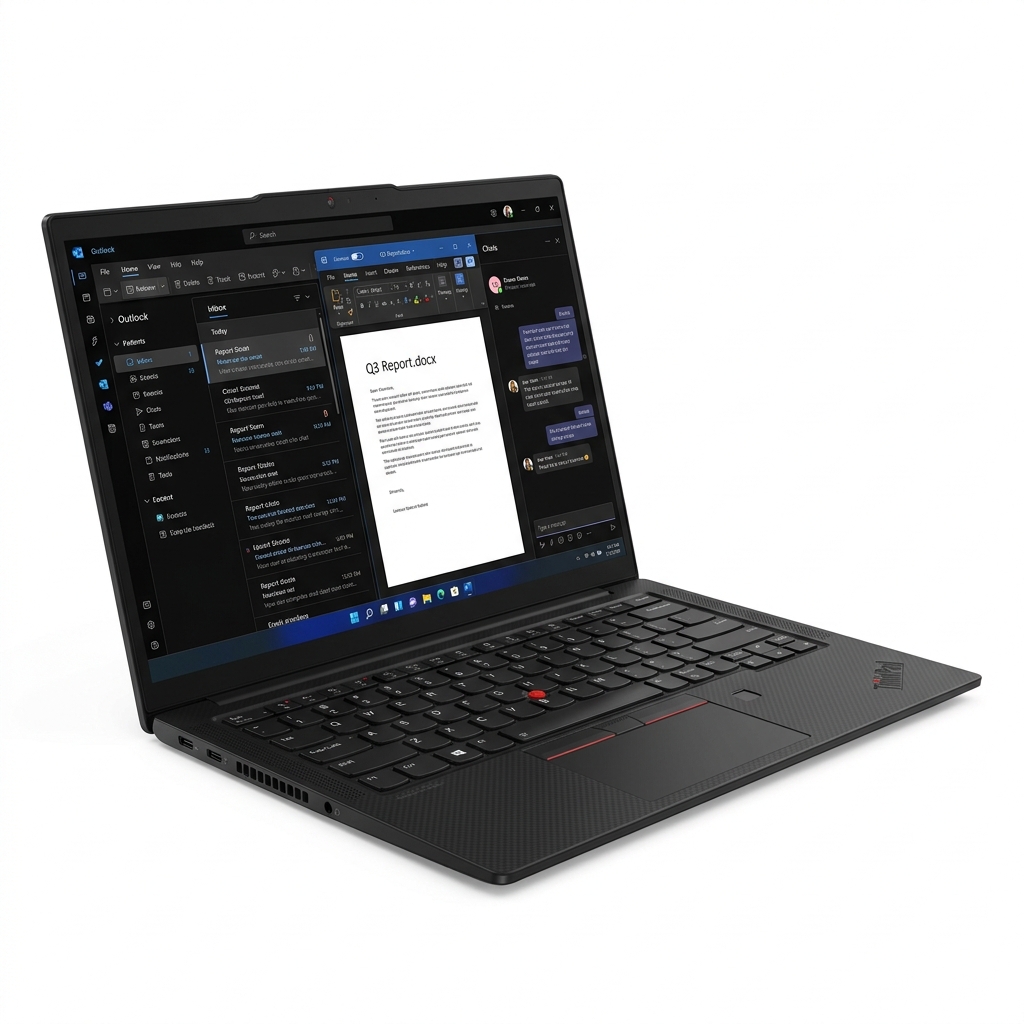
ThinkPad X1 Carbon
The ultimate enterprise workhorse. MIL-SPEC durability paired with the industry’s finest tactile keyboard; a timeless productivity tool.
Check Today's PriceTop AI Courses is an independent intelligence engine. We may earn an affiliate commission from qualifying purchases made through our "Market Links." This model ensures our architectural research remains decentralized, independent, and free for the global 2026 workforce.
AI for Students: The Learner Perspective
“See how students are using the same AI tools — and how to use that to your advantage as an educator.”
Read the Student GuideThe Architect's Library
Precision tools verified for 2026 AI ecosystems. Industrial-grade hardware for those who build the future.
Top AI Courses is an independent intelligence engine. We may earn an affiliate commission from qualifying purchases made through our "Market Links." This model ensures our architectural research remains decentralized, independent, and free for the global 2026 workforce.