Best AI Productivity Tools in 2026: Ranked and Reviewed
“The best AI productivity tools in 2026 are: Microsoft Copilot (document and email work), Notion AI (knowledge management), Otter.ai (meeting intelligence), Perplexity Pro (research), and Claude (complex reasoning and writing). Together they eliminate 15–25 hours of weekly low-value work for most knowledge workers.”

Educational content only. AI-assisted and editorially reviewed. See full Legal Notice.
Best AI Productivity Tools in 2026: Ranked and Reviewed
Direct Answer: The best AI productivity tool is the one embedded in software you already use. For most professionals, that's Microsoft Copilot or Google Workspace AI. For those who want to go deeper, the tools below layer on top of your existing workflow to eliminate the work that shouldn't require your attention.
Tier 1: Must-Have (Use These Every Day)
Microsoft Copilot — $30/user/month
The most transformative productivity tool for enterprise professionals. Integrated into Word, Excel, PowerPoint, Outlook, and Teams.
Real-world time savings:
Who it's for: Anyone using Microsoft 365. No learning curve — it appears where you already work.
Get certified on Microsoft AI →
Claude (Anthropic) — Free / $20/month Pro
The best AI for complex reasoning, long-form writing, and nuanced analysis. Outperforms GPT-4 on tasks requiring careful thinking and accurate, well-cited responses.
Best use cases: Contract review, strategic analysis, research synthesis, technical writing, code review.
Notion AI — $10/user/month add-on
Transforms your knowledge base into a queryable intelligence system. Ask questions across all your notes, documents, and projects. Summarize meetings, generate action items, and draft content — all within Notion.
---
Tier 2: High-Value Specialists
Otter.ai — $17/month
Records, transcribes, and summarizes every meeting in real time. Generates action items, identifies decisions, and answers questions about past meetings.
ROI: Eliminates manual note-taking (2–4 hours/week). Recovers context from missed meetings in 2 minutes instead of 20.
Perplexity Pro — $20/month
AI-powered research that cites sources. For any task requiring current information, competitor research, or literature review — Perplexity replaces 2–4 hours of manual Google research with 10 minutes of conversational search.
Grammarly Business — $15/user/month
Now AI-powered beyond grammar — it rewrites for tone, clarity, and audience. Essential for professionals writing client-facing documents.
Reclaim.ai — $8/month
AI calendar management. Automatically schedules focus time, protects deep work blocks, and reschedules meetings to minimize context switching.
---
Tier 3: Role-Specific Power Tools
| Tool | Best For | Cost | Key Feature |
|---|---|---|---|
| Jasper | Marketing content | $49/mo | Brand-voice training |
| Descript | Video/podcast editing | $24/mo | AI video editing |
| Harvey | Legal professionals | $49/mo | Contract AI |
| Gamma | Presentations | $15/mo | AI deck generation |
| Superhuman | Email power users | $30/mo | AI email triage |
---
The 3-Tool Starter Stack (Under $50/month)
If you're starting with AI productivity tools:
1. Claude Pro ($20/month) — primary AI assistant for writing and thinking
2. Otter.ai ($17/month) — meeting intelligence
3. Reclaim.ai ($8/month) — calendar protection
Time saved: 8–15 hours/week. Monthly cost: $45.
VERDICT SCORE: 9.2/10
The professionals investing $50/month in AI productivity tools in 2026 are producing the output of someone earning $30k more per year. The math is not subtle. The only reason not to use these tools is inertia.
*Ultrawide screen real estate eliminates the context-switching overhead that kills AI productivity workflows — run your AI tool alongside your work.*
Explore AI Certifications to Go Deeper →
Top AI Courses is an independent intelligence engine. We may earn an affiliate commission from qualifying purchases made through our "Market Links." This model ensures our architectural research remains decentralized, independent, and free for the global 2026 workforce.
Hardware Validation
Vetted tools for peak Trends performance in high-yield AI workflows.
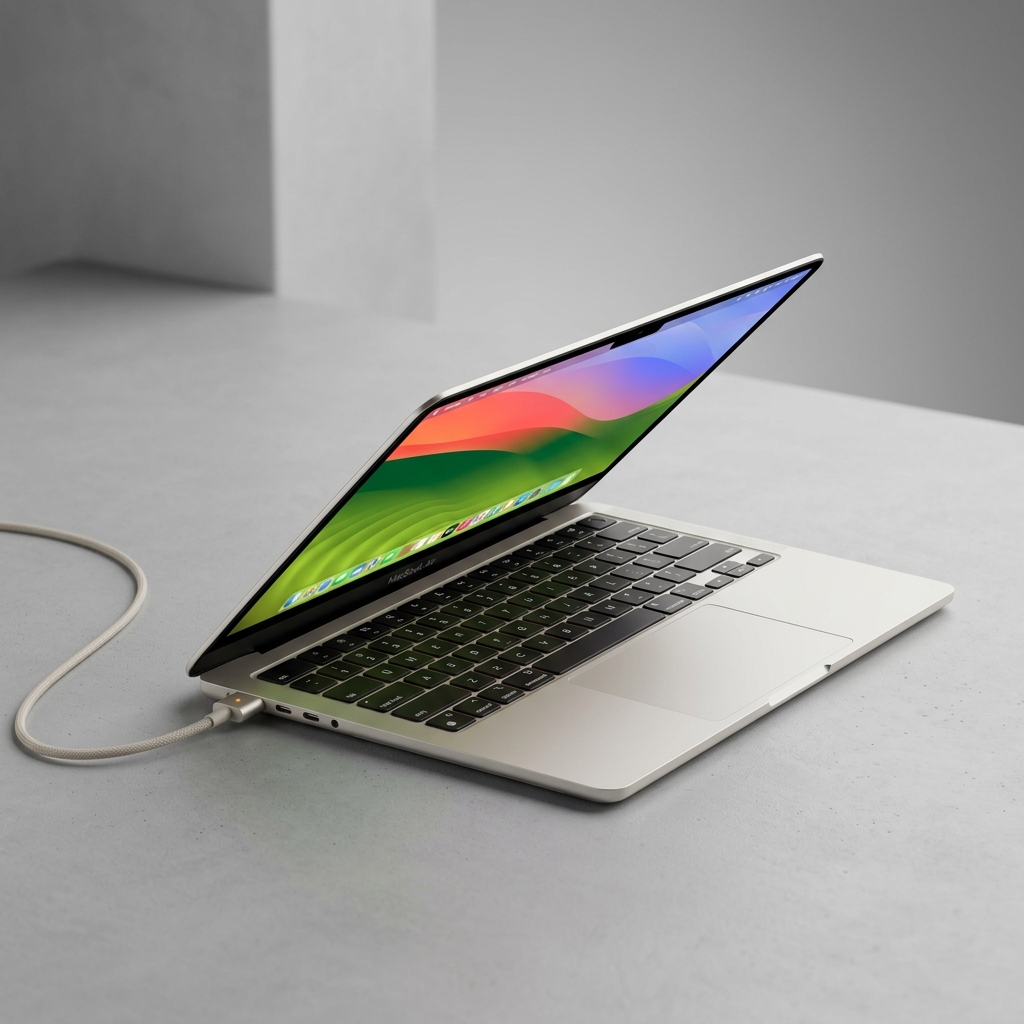
Macbook Air
The world’s premier laptop for mainstream users. An unprecedented fusion of silent performance, ultra-slim aesthetics, and multi-day battery longevity.
Check Today's Price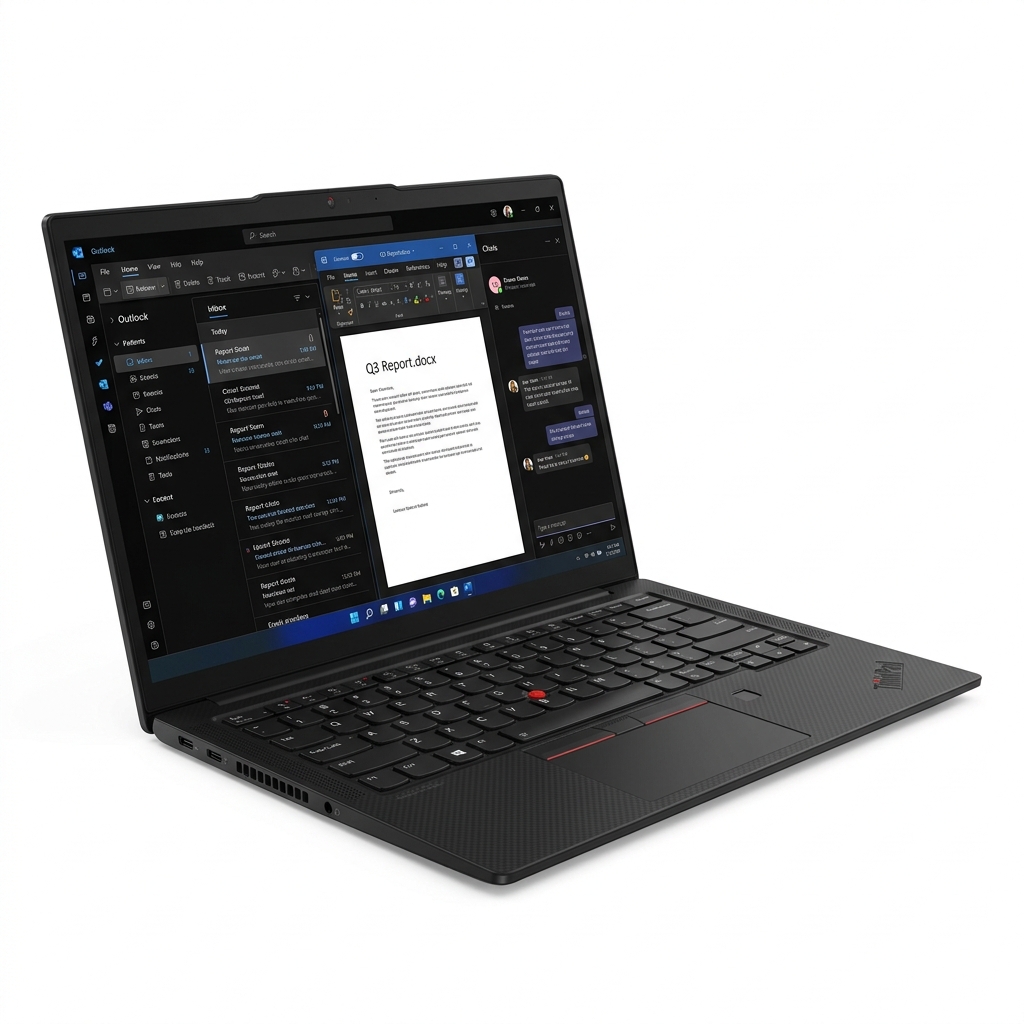
ThinkPad X1 Carbon
The ultimate enterprise workhorse. MIL-SPEC durability paired with the industry’s finest tactile keyboard; a timeless productivity tool.
Check Today's PriceTop AI Courses is an independent intelligence engine. We may earn an affiliate commission from qualifying purchases made through our "Market Links." This model ensures our architectural research remains decentralized, independent, and free for the global 2026 workforce.
Get Certified in Microsoft AI
“Microsoft Copilot is the most-used AI productivity tool in enterprise. Get certified to maximize it.”
See Microsoft AI CoursesThe Architect's Library
Precision tools verified for 2026 AI ecosystems. Industrial-grade hardware for those who build the future.
Top AI Courses is an independent intelligence engine. We may earn an affiliate commission from qualifying purchases made through our "Market Links." This model ensures our architectural research remains decentralized, independent, and free for the global 2026 workforce.